RxDelta for QS/1 Pharmacies
QS/1, now part of Integra, has a significant and established presence in the independent pharmacy market. RxDelta supports QS/1's data exports, handling their column naming conventions and multi-format output options for fast, accurate reconciliation.
Vendor: QS/1 (Integra)
- < 3 min
- Reconciliation time
- 100%
- NDC match accuracy, stated by RxDelta
- $0
- Setup / mapping
How to Export from QS/1
- In QS/1, open the Data Export module
- Generate a billing or claims report for your date range
- Export as CSV format
- Generate a purchasing report for the same period
- Upload both CSV files to RxDelta
Setup and Time
- What you export
- A claims report (what you billed) and a purchase report (what you bought) for the same dates. From QS/1: CSV from Data Export module.
- File types
- CSV or Excel (.xlsx or .xls), uploaded as exported.
- Install
- Nothing to install. RxDelta runs in your web browser and does not connect to QS/1: you upload the files you export.
- Column matching
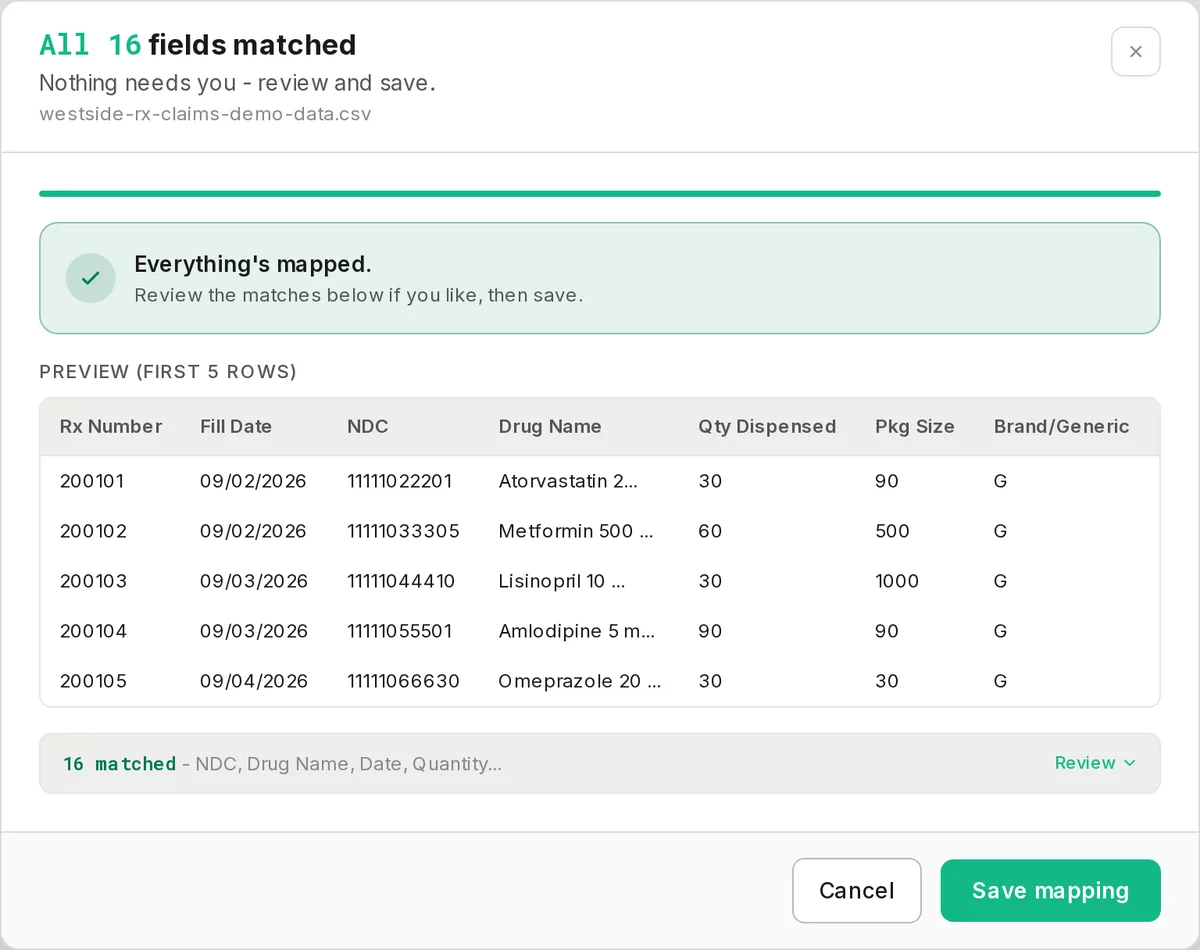
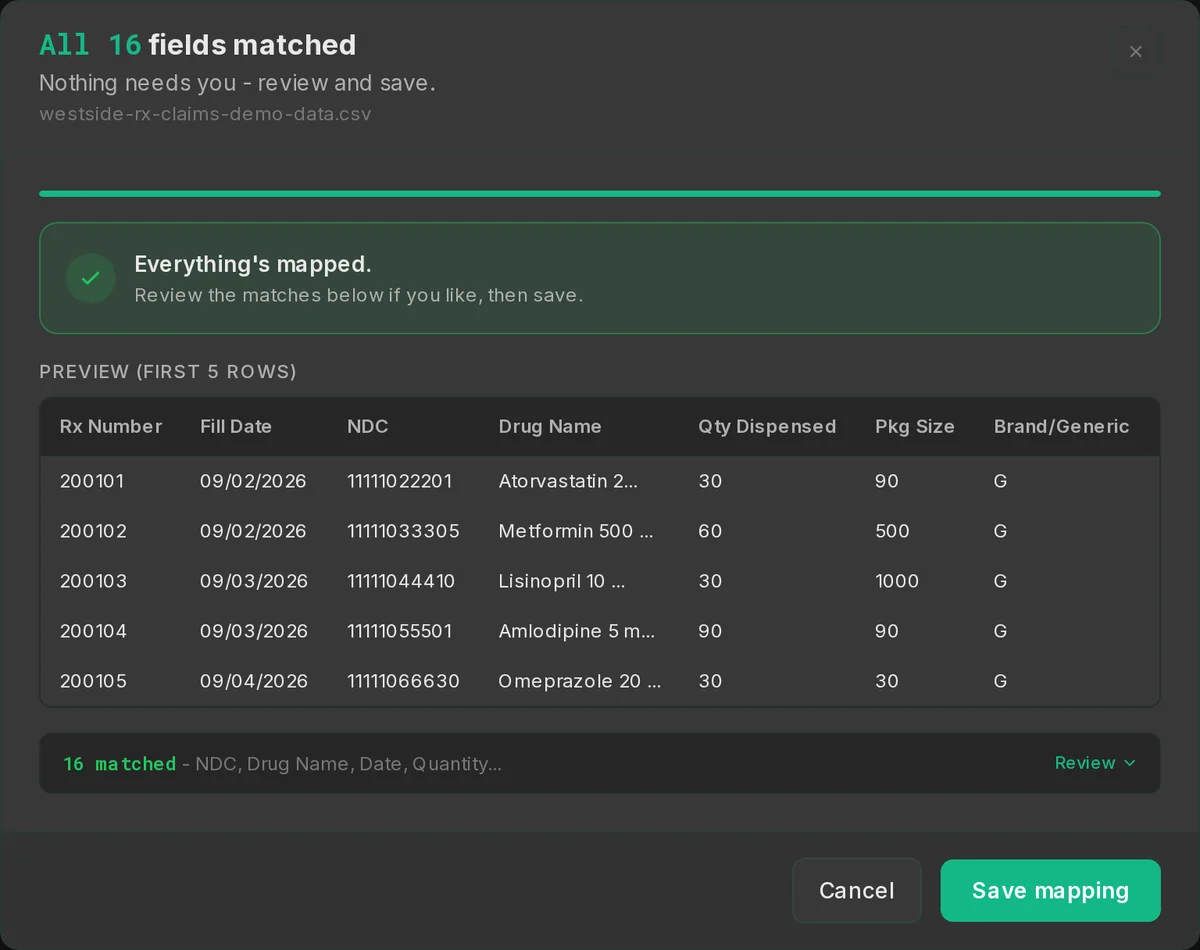
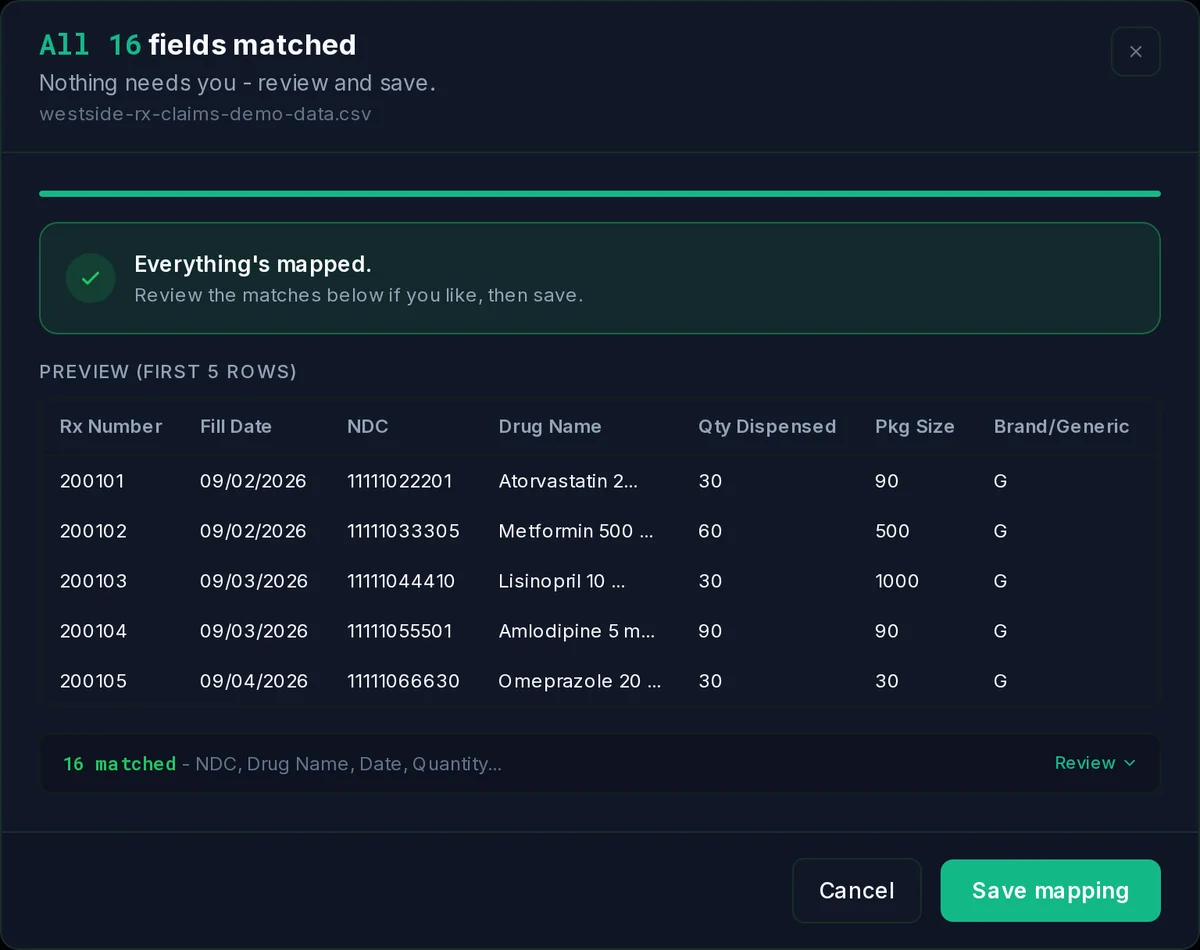
- Automatic when RxDelta recognizes your column names. When it cannot match a needed column by name, the mapping step shows your columns so you can pick it.
- Time to first report
- Under 3 minutes after upload.
Columns You May Need to Match During Setup
When you upload your QS/1 files, RxDelta matches these columns by their names. A file needs the columns marked required; if one is not matched, the mapping step lets you pick it. These are the columns the mapping step shows, not every column RxDelta reads: it also recognizes others by name, such as days supply, when your export has them.
Claims file
Required
- NDC: Unique 11-digit drug identifier - lets us match billing claims to the exact product purchased.
- Drug Name: Human-readable drug name shown next to each NDC in the report and tooltips.
- Date: When the prescription was filled - drives the timeline and the per-day reconciliation window.
- Quantity: Number of units billed or purchased - the core input to every variance calculation.
Read when present
BIN, Rx Number, Package Size, Amount Paid ($), PCN, Group Number, Insurance Name, Brand/Generic, Secondary Paid, Secondary BIN, Secondary PCN, Secondary Group
Purchase file
Required
- NDC: Unique 11-digit drug identifier - lets us match billing claims to the exact product purchased.
- Drug Name: Human-readable drug name shown next to each NDC in the report and tooltips.
- Date: When the wholesaler shipped the product - aligns purchases with billing dates for shortage math.
- Quantity: Number of units billed or purchased - the core input to every variance calculation.
Read when present
Unit Cost ($), Total Cost ($), Invoice #, Package Size, Wholesaler
What RxDelta Does with Your QS/1 Data
- Automatic recognition of QS/1 Data Export column headers
- Comprehensive billing data export processing
- Inventory and purchasing detail reconciliation
- Support for customizable QS/1 report formats
- NDC swap detection across all billing records
- Insurance analytics by PBM, BIN, and carrier
Frequently Asked Questions
Yes. RxDelta processes QS/1 CSV exports from the Data Export module with automatic column detection. Works with both standard and custom QS/1 report formats.
Yes. RxDelta's header detection recognizes 200+ column header variations and synonyms, including common custom naming patterns used in QS/1 exports.
Two CSV exports from the Data Export module for the same date range: a billing or claims report (what you billed) and a purchasing report (what you bought). Each file needs NDC, drug name, date and quantity columns; BIN, PCN, amount paid and the other insurance columns are read when they are there.
Start Reconciling Your QS/1 Data
Upload your QS/1 CSV exports. Nothing to install: columns are matched automatically when RxDelta recognizes them, and you pick any required column it misses. Results in under 3 minutes.
Not using QS/1? See all compatible pharmacy systems